
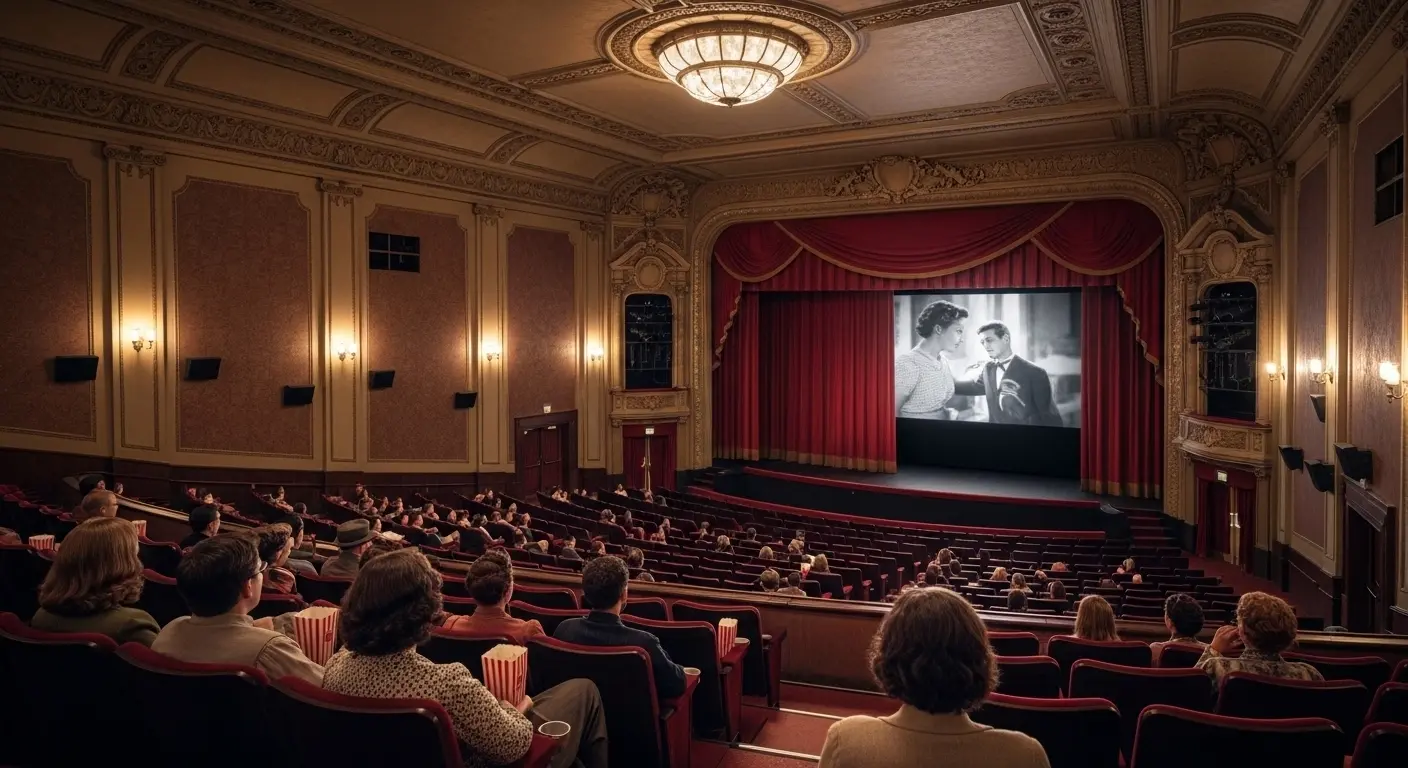
Closed captioning in movie theatres is an accessibility feature that displays on-screen text of spoken dialogue, sound effects, and audio cues so that deaf and hard-of-hearing viewers — and anyone who prefers reading along — can fully enjoy a film. Modern movie theatre captioning systems use seat-mounted screens, smart glasses, or open on-screen text to make cinema more inclusive, comfortable, and engaging for every guest.
If you’ve ever wondered how movie captions work, what devices theatres use, how to request them, or whether captions affect the viewing experience — come closer, grab your popcorn, and let’s walk through it together. 🍿
This guide is warm, human, practical, and deeply researched — made for movie lovers, parents, accessibility advocates, and curious viewers alike.
What Is Closed Captioning in Movie Theatres — in Simple Words
Closed captioning in cinemas means text appears for dialogue and sounds, but only for viewers who request it — not on the main screen for everyone.
Unlike subtitles (which usually translate language), captions include:
- Dialogue
- Speaker identification
- Sound effects (door slams, music, laughter)
- Background audio cues
Think of it as a quiet, thoughtful companion sitting beside you, whispering every important audio detail — so nothing gets missed 💬
Why Closed Captioning in Movie Theatres Matters So Much ❤️
Movies are emotional experiences. They make us laugh, cry, feel goosebumps. But without sound access, much of that magic disappears.
Closed captioning helps:
- Deaf and hard-of-hearing viewers
- People with auditory processing differences
- Non-native language viewers
- Kids learning to read
- Seniors with hearing loss
- Viewers in noisy environments
Accessibility isn’t a bonus feature. It’s belonging.
And when cinemas offer captioning, they’re basically saying: You are welcome here.
How Closed Captioning in Movie Theatres Actually Works
Let’s demystify the tech — it’s cooler than you might think 😌
Digital movie files include a caption track — just like subtitle tracks on streaming platforms. The theatre’s projection system syncs captions with the film.
Then captions are delivered using one of these methods:
- Seat-mounted display screens
- Personal caption devices
- Caption smart glasses
- Open captions on the main screen
- App-based caption streaming
All synced in real-time with dialogue and sound.
Types of Closed Captioning Systems Used in Cinemas
Different theatres use different tools. Here’s the friendly breakdown:
Common systems include:
- Rear Window Captioning devices
- Seat-arm caption displays
- Caption glasses
- Laser-projected captions
- Mobile caption apps
- Personal handheld caption screens
- LED seat caption bars
- Tablet-style caption readers
- Clip-on caption panels
- Phone-based sync captioning
- QR-triggered caption systems
- Bluetooth caption receivers
- Infrared caption receivers
- Smart wearable caption displays
- AR caption glasses
- Closed-caption tablets
- Touchscreen caption devices
- Portable caption monitors
- Theatre-provided caption viewers
- BYOD (bring-your-own-device) caption support
Ask at the ticket counter — they’ll guide you.
Open Captions vs Closed Captions in Movie Theatres
These get mixed up a lot — let’s clear it sweetly and simply 😊
Open captions:
- Visible to everyone
- On the main screen
- Cannot be turned off
- Often used in special screenings
Closed captions:
- Only visible on personal devices
- Optional for viewers
- Not shown on main screen
- Most common accessibility format
Both are helpful — but serve different viewing preferences.
Who Uses Closed Captioning in Movie Theatres
You might be surprised — it’s not just one group.
Users include:
- Deaf viewers
- Hard-of-hearing guests
- ESL learners
- Children learning reading skills
- Seniors with hearing loss
- Neurodivergent viewers
- Viewers with sensory sensitivity
- People recovering from ear issues
- Film students analyzing dialogue
- Scriptwriters studying pacing
- Language learners
- Travelers watching foreign films
- Parents with sleeping babies
- Quiet-audio film fans
- Accent-difficulty viewers
- Sound-sensitive guests
- Auditory processing disorder viewers
- Caption-preference viewers
- Focus readers
- Detail lovers
Accessibility often benefits more people than expected 💫
How to Request Closed Captioning at a Movie Theatre
Don’t feel shy — theatres expect requests.
Just:
- Go to ticket counter
- Ask for caption device
- Request closed captioning support
- Confirm device battery level
- Ask for quick setup help
- Test before trailers start
- Adjust brightness if needed
- Align screen with main screen
- Ask for replacement if faulty
- Return device after movie
- Report sync issues
- Ask about open caption showtimes
- Check website accessibility page
- Call ahead if unsure
- Reserve device during booking
- Ask usher for help
- Check accessibility icons online
- Look for CC symbol
- Ask about caption glasses
- Confirm compatibility with film
You deserve comfort — always.
Best Movie Genres Where Captioning Helps Most
Some films are caption-friendly favorites 🎥
- Fast-dialogue dramas
- Accented dialogue films
- Sci-fi technical scripts
- Mystery thrillers
- Courtroom dramas
- Historical films
- Foreign-language films
- Musical films
- Documentary narration
- Whisper-heavy horror
- Action films with radio chatter
- Fantasy worldbuilding films
- Complex plot movies
- Ensemble cast films
- Heist movies
- Political dramas
- Medical dramas
- War films
- Detective stories
- Nolan-level brain movies 😉
Closed Captioning Devices — What They Feel Like to Use
Let’s make it real and human:
Most viewers say:
- Easy after 5 minutes
- Lightweight
- Adjustable brightness
- Non-distracting
- Quick to align
- Comfortable
- Clear text
- Good sync
- Minimal learning curve
- Helpful immediately
- Less strain than guessing dialogue
- Better than rewinding at home
- Natural after setup
- Invisible to others
- Private viewing
- Personal control
- Discreet
- Simple UI
- Theater-friendly
- Worth trying once
Are Movie Theatre Captions Always Accurate?
Great question — and honest answer: usually yes, sometimes imperfect.
Accuracy depends on:
- Studio caption file quality
- Sync calibration
- Device firmware
- Projection system
- Caption formatting
- Timing markers
- Translation quality
- Sound description tagging
- Update versions
- Theatre maintenance
Most major releases have high-quality caption tracks.
Legal Requirements for Closed Captioning in Cinemas
Many countries require accessibility support.
Typical rules include:
- Caption device availability
- Accessible screenings
- Equipment maintenance
- Staff training
- Device quantity minimums
- Public accessibility notice
- Website disclosure
- Assistive tech support
- Non-discrimination policy
- Accommodation compliance
- Caption-ready projection systems
- Device replacement policy
- Accessible seating pairing
- Audio description pairing
- Caption signage
- Complaint channels
- Accessibility reporting
- Device sanitation rules
- Battery readiness
- Functional testing
Accessibility is not optional — it’s regulated.
Benefits of Closed Captioning for All Viewers
Even hearing viewers love captions sometimes 😄
Benefits include:
- Better dialogue clarity
- Name recognition
- Accent understanding
- Whisper comprehension
- Faster plot tracking
- Memory retention
- Language learning
- Reading reinforcement
- Sound cue awareness
- Focus support
- Noise-proof viewing
- Multitask comprehension
- Quote catching
- Detail noticing
- Script appreciation
- Lyric reading
- Character tracking
- Terminology learning
- Reduced confusion
- Higher immersion
Challenges of Closed Captioning in Movie Theatres
Let’s keep it real — not perfect yet.
Challenges include:
- Device misalignment
- Battery issues
- Sync drift
- Limited device supply
- Staff unfamiliarity
- Old equipment
- Screen glare
- Seat angle mismatch
- Caption lag
- Small text size
- Device weight
- Breakable mounts
- Cleaning delays
- Reservation gaps
- Compatibility limits
- User setup confusion
- Glasses discomfort
- Low awareness
- Social hesitation
- Inconsistent standards
But improvements are happening fast 🚀
The Future of Closed Captioning in Movie Theatres
Now the exciting part — what’s coming next:
- AR caption glasses
- AI caption sync
- Real-time adaptive captions
- Phone-sync captions
- Personalized text size
- Language switching
- Voice-style labeling
- Emotion-aware captions
- Smart seat displays
- Laser caption projection
- Auto device pairing
- App-triggered captions
- NFC caption activation
- Haptic caption alerts
- AI noise tagging
- Live caption correction
- Multilingual caption layers
- Personalized caption themes
- Accessibility dashboards
- Universal caption standards
Cinema is getting more inclusive — and smarter 💡
How Theatres Can Improve Caption Accessibility
If I could whisper advice to cinema owners:
- Train staff well
- Promote caption options
- Show device demos
- Maintain equipment
- Offer open-caption shows
- Add online booking options
- Display accessibility icons
- Allow device reservation
- Add help videos
- Test before screenings
- Increase device count
- Add newer glasses
- Collect user feedback
- Publish accessibility pages
- Run caption awareness nights
- Offer free trials
- Partner with communities
- Add accessibility signage
- Create quiet support channels
- Normalize caption use
Tips for First-Time Caption Device Users
First time? I’ve got you 🤍
- Arrive early
- Ask for setup help
- Test during trailers
- Adjust brightness
- Align screen carefully
- Sit centered
- Avoid extreme angles
- Ask for swap if blurry
- Keep device stable
- Blink normally — not at device
- Focus on main screen
- Let eyes adapt
- Don’t overthink it
- Give it 10 minutes
- Relax into reading
- Use armrest support
- Adjust height
- Clean screen gently
- Report issues
- Enjoy the movie 🎬
Captioning vs Subtitles — Quick Comparison
Easy cheat sheet:
Closed Captions
- Includes sounds
- For accessibility
- Language same as audio
- Optional display
- Device-based
Subtitles
- Language translation
- Dialogue only
- No sound cues
- Usually open display
- Style-focused
Both are beautiful tools.
FAQ — Closed Captioning in Movie Theatres
Do all movie theatres offer closed captioning?
Most modern digital cinemas do, but device availability varies.
Do I need to book caption devices in advance?
Some theatres allow reservation — calling ahead helps.
Are caption devices free?
Usually yes — included as accessibility support.
Can captions be shown on the main screen?
Only during open-caption screenings.
Do caption glasses work well?
Newer models work very well; older ones vary.
Are captions available for every movie?
Most wide releases include caption tracks.
Can captions be in different languages?
Sometimes — depends on the film file.
Are caption devices hard to use?
No — staff can set them up quickly.
Do captions distract other viewers?
Closed captions are private — others won’t see them.
Can kids use caption devices?
Yes — and they often benefit from them.
Common Mistakes People Make with Caption Devices
Avoid these and you’ll be golden ✨
- Sitting too far off-center
- Not testing before start
- Ignoring brightness controls
- Holding device too low
- Not asking for help
- Waiting to report issues
- Using damaged mounts
- Blocking line of sight
- Not adjusting angle
- Assuming it’s broken too fast
- Skipping instructions
- Not checking battery
- Misaligning screen
- Choosing wrong seat row
- Not requesting replacement
- Forgetting to return device
- Not cleaning lenses
- Rushing setup
- Being shy to ask
- Giving up too early
How to Find Caption-Friendly Showtimes
Look for:
- CC icon
- Accessibility label
- Caption symbol
- Open caption listing
- Theatre accessibility page
- App filter
- Accessibility hotline
- Support chat
- Front desk inquiry
- Website footer links
- Screening notes
- Special caption nights
- Community screenings
- Deaf-access shows
- Sensory-friendly listings
- Inclusive cinema tags
- Assistive tech icons
- Show format details
- Caption availability notes
- Accessibility schedule
Social Awareness: Normalize Caption Use 💬
Let’s make this sweetly bold:
Using closed captioning in movie theatres is not special treatment.
It’s smart design.
Normalize it by:
- Talking about it
- Requesting it openly
- Supporting caption shows
- Sharing experiences
- Leaving reviews
- Encouraging friends
- Helping first-timers
- Tagging accessible cinemas
- Asking for upgrades
- Celebrating inclusion
Accessibility becomes normal when we talk about it.
Brand New Caption Ideas
“Turned up the accessibility with Closed Captioning in Movie Theatres tonight. 2026 is the year of inclusive entertainment! 🎞️”
“Closed Captioning in Movie Theatres 2026 = No more missing epic lines! 🎥 Who’s ready for fully accessible blockbusters? #CinemaAccess”
“Finally caught every twist thanks to Closed Captioning in Movie Theatres! 2026 tech is a game-changer. 🍿 #DeafCinema #MovieNight”
“Movie magic meets perfect clarity ✨ Closed Captioning in Movie Theatres 2026 makes every screening inclusive and unforgettable!”
“Cupholder captions > distractions. Loving Closed Captioning in Movie Theatres this 2026! What’s your must-watch film? 📽️”
“From silence to full story – Closed Captioning in Movie Theatres is accessibility done right in 2026. ❤️ Tag your movie crew!”
“No subtitles? No problem! Closed Captioning in Movie Theatres 2026 keeps the immersion alive for everyone. 🎬”
“2026 cinema goals: Closed Captioning in Movie Theatres for crystal-clear dialogue and zero FOMO. Who’s joining? 🚀”
“Closed Captioning in Movie Theatres just leveled up! Real-time text, big screen vibes, total inclusion. 🌟”
“Deaf or hearing, the story hits harder with Closed Captioning in Movie Theatres 2026. Pure cinematic joy! 📱”
Final Thoughts: Closed Captioning in Movie Theatres Makes Cinema More Human 🎥❤️
Movies are stories. Stories are for everyone.
Closed captioning in movie theatres turns cinema into a shared, welcoming space — where sound is not a barrier and emotion is never lost. With better devices, smarter systems, and growing awareness, the future of movie accessibility looks bright, inclusive, and beautifully human.
Next time you book tickets, ask about captions. Try the device. Share the experience.
Because everyone deserves the full story. 🍿✨
